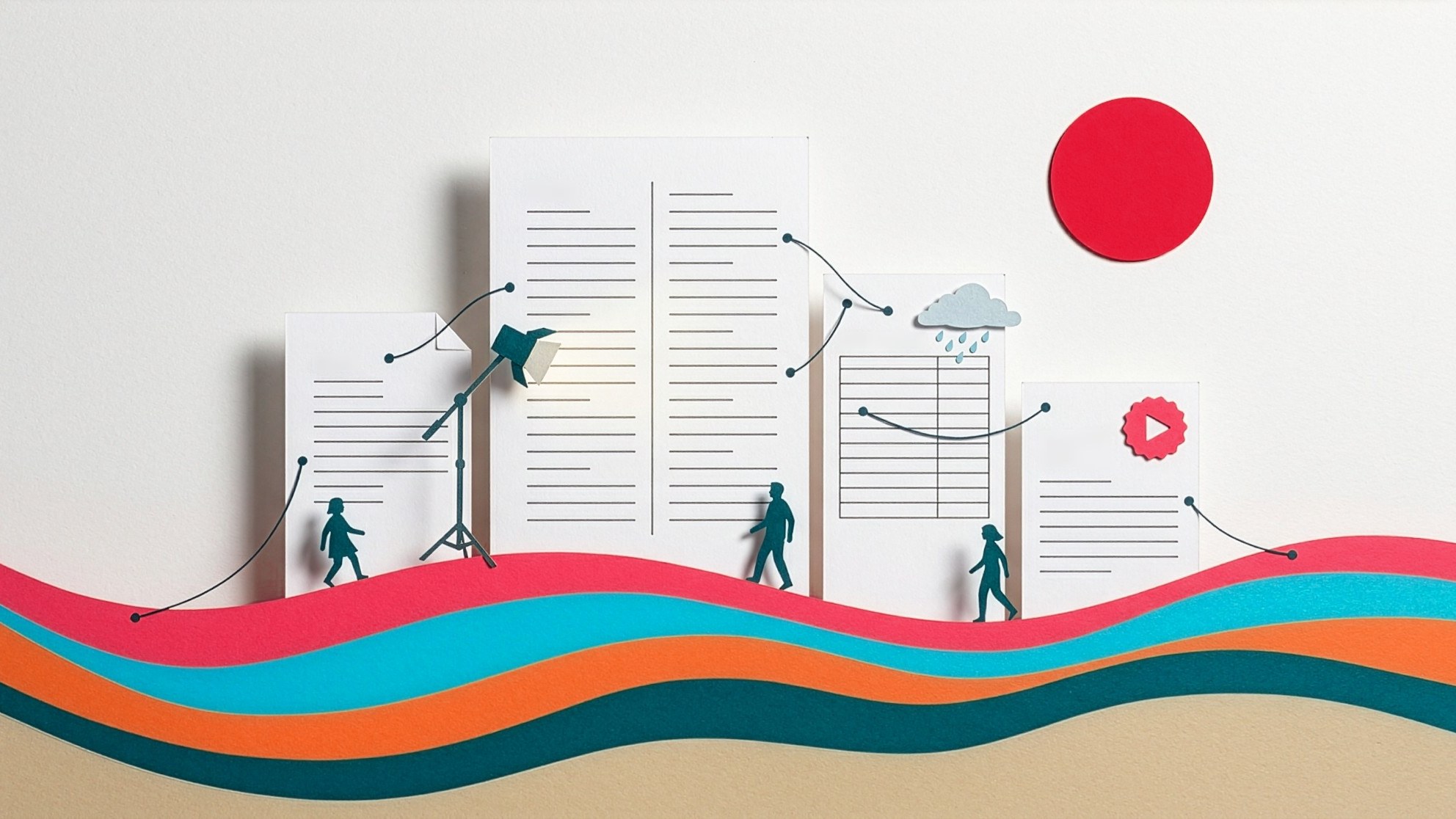
For years, a Honeycutt Inc. production lived in five places at once. The brief was in Word. The script was in a different Word file, probably named something like script_FINAL_v7_actually-final.docx. Storyboards lived in Boords, call sheets in StudioBinder, and the delivery in an email thread that eventually ran longer than the video.
Every tool was fine on its own. Together, they had the teamwork of five cats in a carrier. The brief didn’t know what the script promised. The script didn’t know who was reading it or how fast they talk. The call sheet didn’t know there was a script. Someone on our team kept all of that in their head, and on a busy week, heads leak.
So we built a backlot.
The short version
Studio Backlot is Honeycutt Inc.’s production suite. It holds the four documents every video we make depends on, organized into projects:
- Creative briefs. What we’re making, for whom, and what success looks like.
- AV scripts. The classic two-column script, with video on the left and audio on the right.
- Call sheets. Where everyone needs to be, when, and what the weather has planned.
- Delivery notices. The finished files, the captions, and the metadata, handed over in one place.
Around those sit a people directory, a music library, graphics packages, style guides, a wiki of how we work, comments, versions, sharing, and AI assistance that we keep on a short leash. (More on that in a minute.)
The idea that holds it together: everything knows about everything else. The brief’s deliverables feed the script. The narrator’s speaking rate lives on their person record, so the script knows its own running time. The script feeds the call sheet and the captions. The delivery notice closes the loop by showing which deliverable from the brief each file settles.
Who it’s for
Mostly us. Producers, writers, editors, animators, and engineers spend their day in it. Freelancers and contract editors get a guest account for the projects they’re on, and nothing else.
And then there’s you. Clients never need an account. When we send a script for review, you get a link and, if the project calls for one, a password. That’s the whole list. No sign-up, no password reset dance, no “can you resend that?”
We also don’t ask who you are. No email address, no phone number, not even a name. If you want to comment on a scene, we’ll ask what to call you so the thread makes sense. Your name works. So do your initials. We don’t check. Personal information is something you give us only if you decide you want an account, and plenty of clients never do.
The link expires on a date you can see, and we can switch it off instantly if it ends up somewhere it shouldn’t.
A video’s life on the backlot
The brief asks better questions
Our old briefs were, in our own words, not very inspiring. The new one walks through the ask, the audience, the deliverables, and the creative direction in the order those questions actually get answered. It also asks the ones that used to surface in week three: what problem the video solves, where it’ll be published, what accessibility it needs, and who has to sign off.
The script knows how long it runs
As a writer types narration, Backlot counts the spoken words, checks the talent’s speaking rate, and shows a live running time. Stage directions and music cues don’t count, because nobody reads MUSIC: upbeat synth out loud. (We hope.)
Comments sit on the exact scene they’re about, so “Scene 12” is a thread, not a sentence buried in an email. When an approved script changes, the editor compares versions and sees exactly what moved instead of hunting for it with a highlighter.
The booth gets its own page
On recording day, the script has a voiceover-only view built for an iPad on a music stand. Silent scenes drop out entirely, because at a microphone a page of empty rows is worse than useless. Follow mode keeps the talent on the scene the producer is on, even when they’re remote.
The 6am call sheet
Type a location’s address, and the call sheet fills in the map, the forecast for that spot on the shoot date, sunrise and sunset, and the nearest hospital. The schedule does its own time math. Each crew member gets a personal link that opens on a phone in a parking lot at 6am without a single sideways scroll. That’s the moment we designed it for, and it shows.
Delivery that answers “did they get it?”
The delivery notice puts every finished video on its own card with the files, captions, title, description, and chapters, each with a copy button. Six videos is eighteen copy-and-paste jobs, and we’d rather you spend that time watching them. We can see which files were downloaded, so nobody has to send the “just checking you got this” email. A built-in QA checklist reminds us what to verify before we send. It warns, and it never blocks. The person sending decides.
Where AI fits (and where it doesn’t)
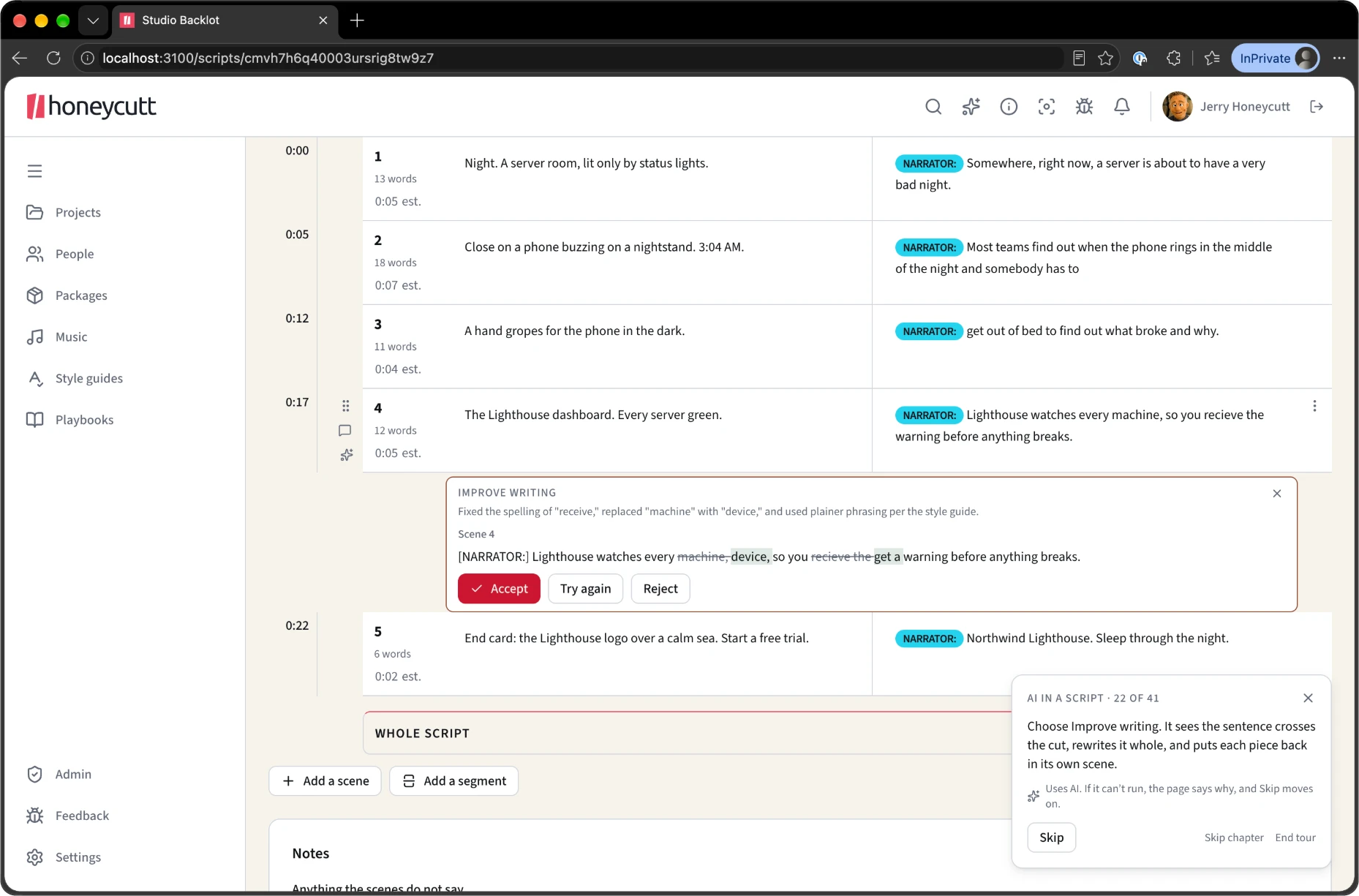
Backlot has AI in it, and we’re picky about how. It can tighten a paragraph, proofread a scene against a client’s style guide, suggest alternatives for a clunky line, fact-check a claim against the brief, or draft YouTube metadata from a caption file. Ask Backlot answers questions about the work and cites where its answer came from.
Three rules keep it honest:
- Nothing writes on its own. Every AI result is an offer. A person accepts it, and their name goes on the edit.
- It doesn’t make things up to be helpful. When it doesn’t know, it says so. An assistant that invents a document is worse than no assistant.
- Your NDA wins. Any project can opt out of AI entirely, and embargoed or NDA projects do by default. The buttons don’t just hide. The server refuses.
What it isn’t
Backlot isn’t a project management tool. Tasks, dates, and assignments stay in the tool built for them, and every project links out to it. It isn’t a video host either. Big footage stays where big footage belongs. We built the part nobody sells: the connective tissue between the documents a video depends on.
Coming soon
Two more pieces are close to landing on the backlot.
- A full storyboard editor. Boords is a great product, and it’s the last outside tool left from our five-places-at-once days. Storyboards will live next to the script they illustrate, so a frame and its scene stay in step when the script changes.
- An asset file drop. When a project needs your logos, footage, or brand files, you’ll send them straight to the project. Same deal as review links: no account, just the link. No more attachments that bounce for being too big, and no more hunting through email to find them.
Why it matters to you
You’ll probably never log in to Backlot, and that’s the point. What you’ll notice is that review links just work, feedback lands on the right scene, the call sheet already knows it might rain, and delivery shows up with everything you need to publish, ready to paste.
It’s the same reason we put IT nerds and video nerds in one room. The people who understand the technology should be the ones running the production. This time, the technology was our own.
Less handholding. More high-fiving.