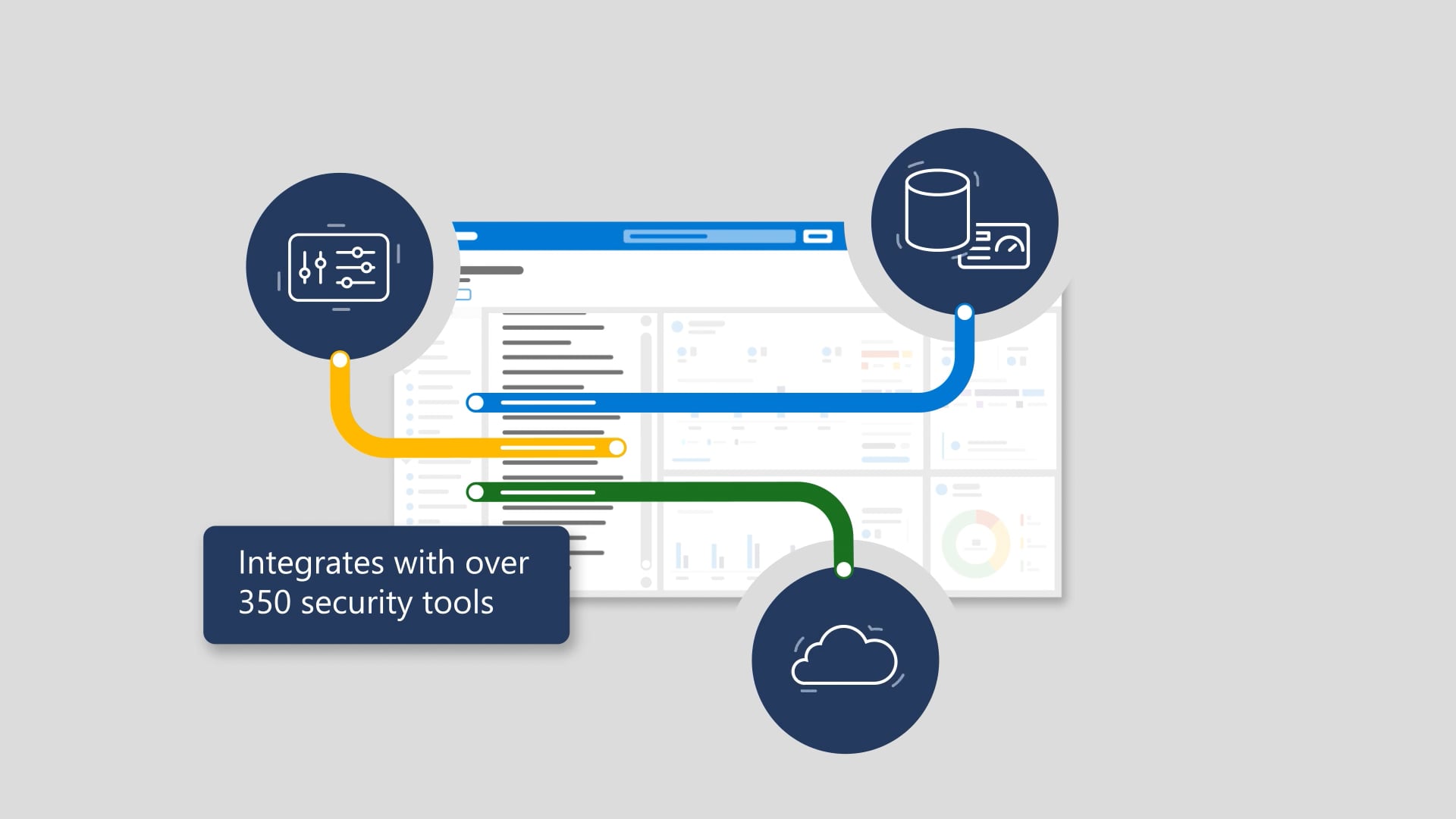
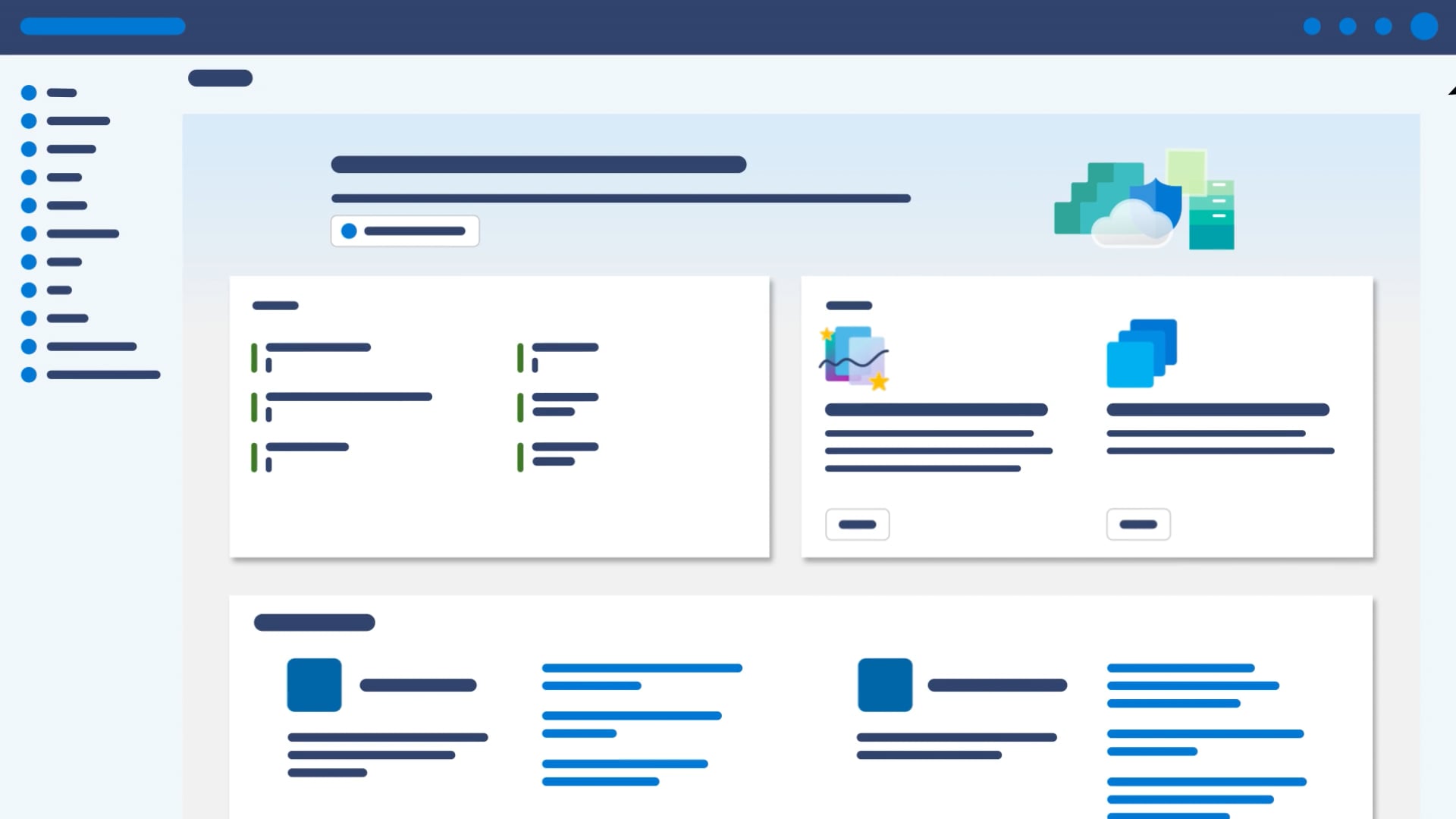
This tutorial-style animation introduces Windows 365 as the world’s first cloud PC—securely streaming your desktop, apps, settings, and content from the Microsoft Cloud to any supported, internet-connected device. It walks through getting started in a web browser at windows365.microsoft.com: choose “Open in browser,” share clipboard/microphone/printer, sign in, and see your Windows desktop ready to use. It also covers an alternate connection path using Remote Desktop—install the app for Windows, Mac, iOS, or Android, then subscribe to a workspace—ending on “hybrid Windows for a hybrid world of work.”
We produced this as a step-by-step explainer that feels effortless to follow—because it’s describing an experience that should feel effortless. We mapped the instructions into clear visual beats, used animation to reinforce each action without clutter, and kept the voiceover cadence friendly and unhurried. Music supports the flow, sound design keeps each transition clean, and we delivered the full launch-ready package: closed captions, audio description, and thumbnails.

The inevitable sequels
Hollywood keeps stretching good ideas into progressively worse sequels. We don’t. These are the related videos—spiritual siblings of the one you just watched—as good or better than this video. Expect callbacks, new plot twists, and maybe even a scene-stealing cameo from a lower third.