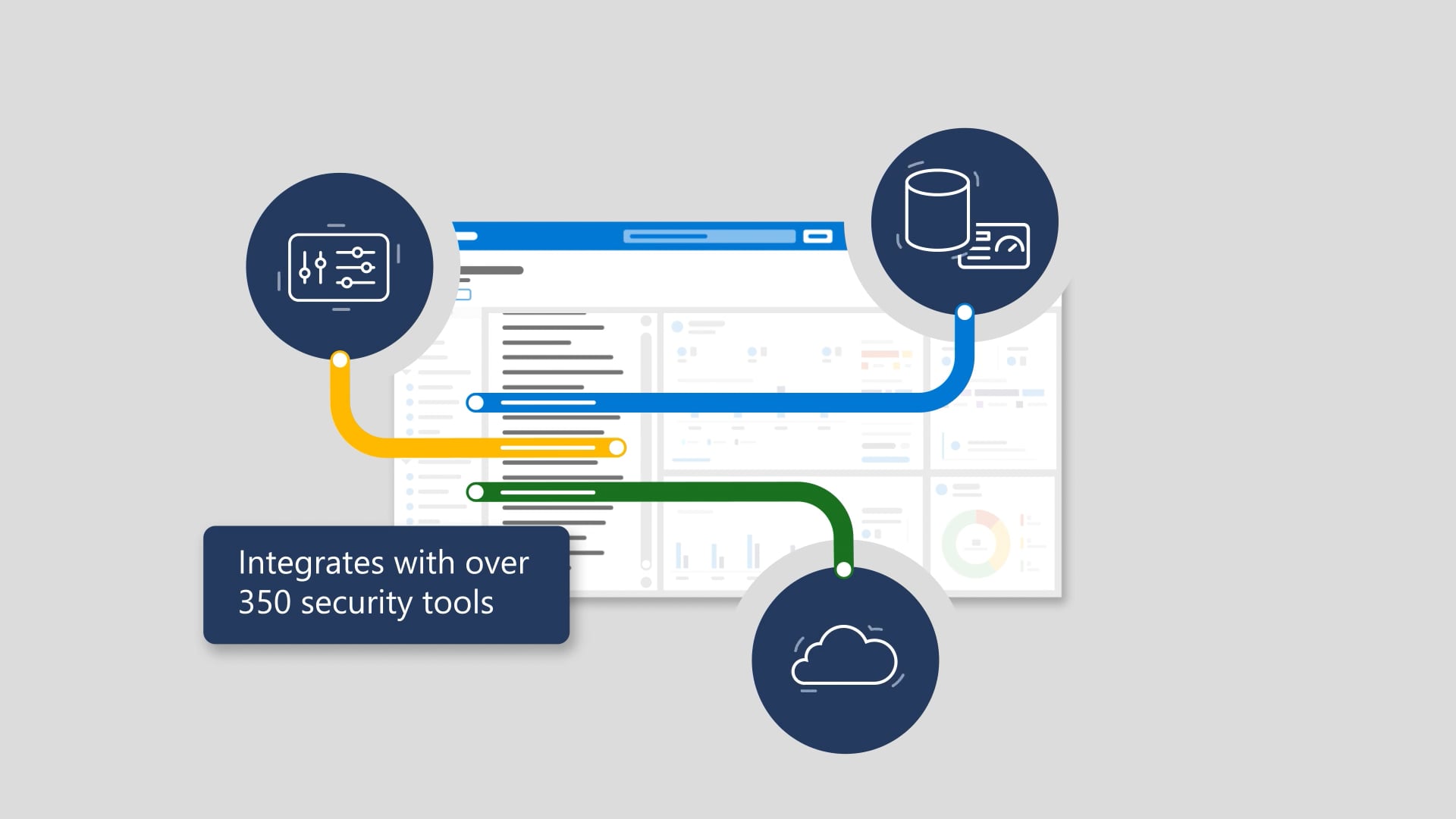
Windows 10 has hundreds of security settings, and first-time configuration can be time-consuming and complex. The solution is Windows security baselines—preconfigured policies with vetted, best-practice settings that help keep users and devices secure by default. It shows how you can apply baselines to different device and user personas using Microsoft Endpoint Manager (like Group Policy Objects—only better), use them as-is or customize them, and easily compare updates as Endpoint Manager refreshes the baselines. The payoff: reduced attack surface across managed devices with minimal time and effort, backed by Microsoft security expertise.
We produced this as a tight explainer built to turn “hundreds of settings” into one clear, confidence-boosting next step. We shaped the story around the problem-to-solution arc, planned visuals that make the baseline workflow instantly legible, and paced the beats so the benefits land without the viewer needing to pause and squint. Then we layered in professional voiceover, supportive music, clean motion, and crisp sound finishing—because clarity is a feature, not a happy accident. After streamlined review loops, we delivered the full package: closed captions, audio description, and thumbnails.

The inevitable sequels
Hollywood keeps stretching good ideas into progressively worse sequels. We don’t. These are the related videos—spiritual siblings of the one you just watched—as good or better than this video. Expect callbacks, new plot twists, and maybe even a scene-stealing cameo from a lower third.