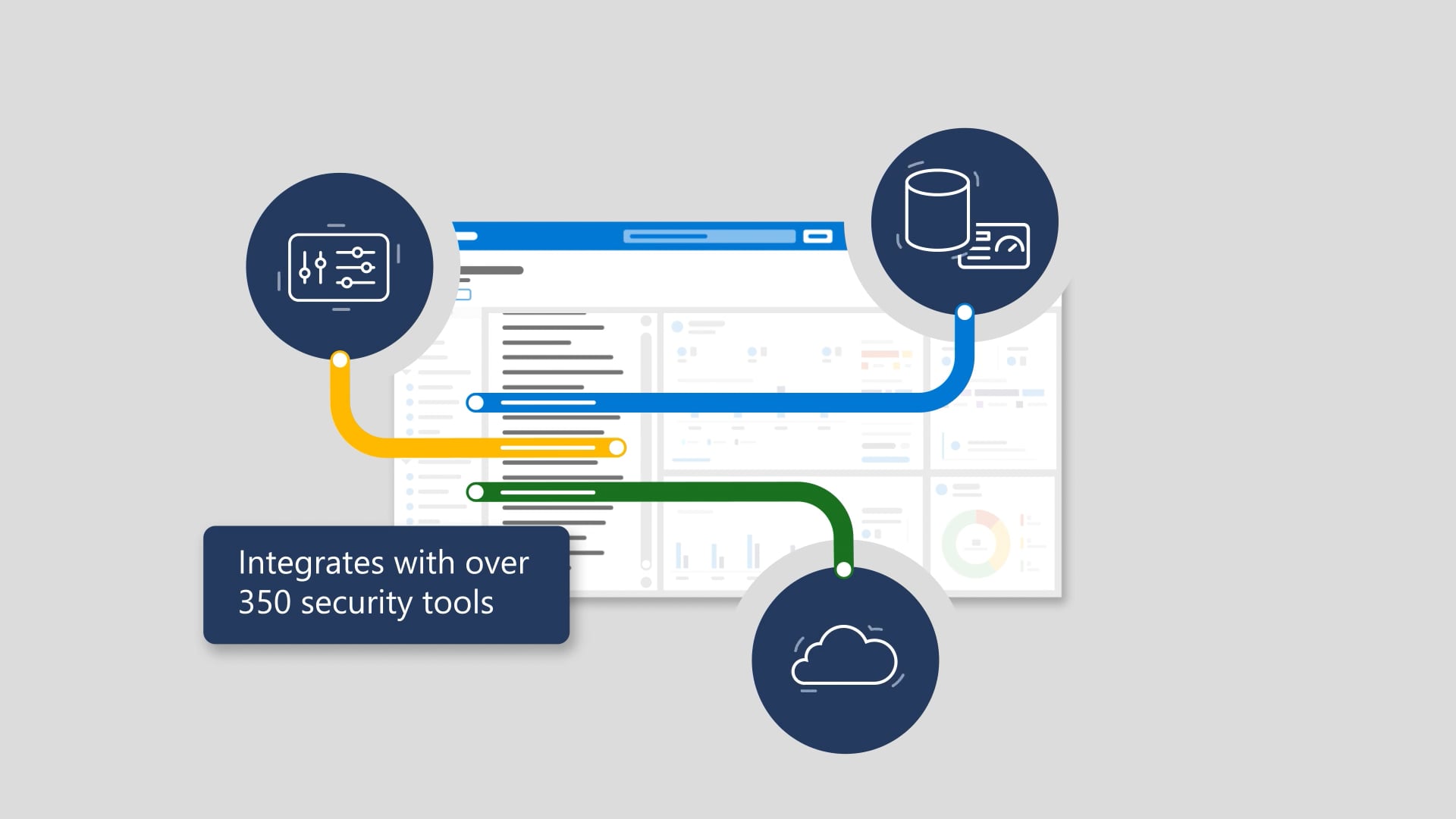
Managing devices with Microsoft Endpoint Configuration Manager is pretty straightforward—until your workforce goes remote and your VPN starts wheezing like it just ran a marathon in a server closet. This animation explains why relying on VPN for management traffic increases infrastructure load and gives users a not-great experience, then introduces the cloud management gateway as the better way. By deploying the service in Microsoft Azure and adding the cloud-management-gateway connection point role in Configuration Manager, remote devices can be managed securely without sending management traffic through the VPN—whether users are at home, in the office, or traveling. It also emphasizes a key win: no need to open inbound network ports or expose on-premises infrastructure to the internet.
We produced this as a crisp, step-by-step explainer that makes an IT shift feel refreshingly doable. We shaped the narrative around the pain (VPN dependency) and the payoff (secure management without it), then timed the visuals to match the “deploy in Azure, add the role, manage as usual” flow so it’s easy to follow at a glance. Professional voiceover, supportive music, clean animation, and careful sound finishing keep the message confident and clear. After streamlined review rounds, we delivered the full package—closed captions, audio description, and thumbnails—so it’s ready to roll wherever your audience learns.

The inevitable sequels
Hollywood keeps stretching good ideas into progressively worse sequels. We don’t. These are the related videos—spiritual siblings of the one you just watched—as good or better than this video. Expect callbacks, new plot twists, and maybe even a scene-stealing cameo from a lower third.