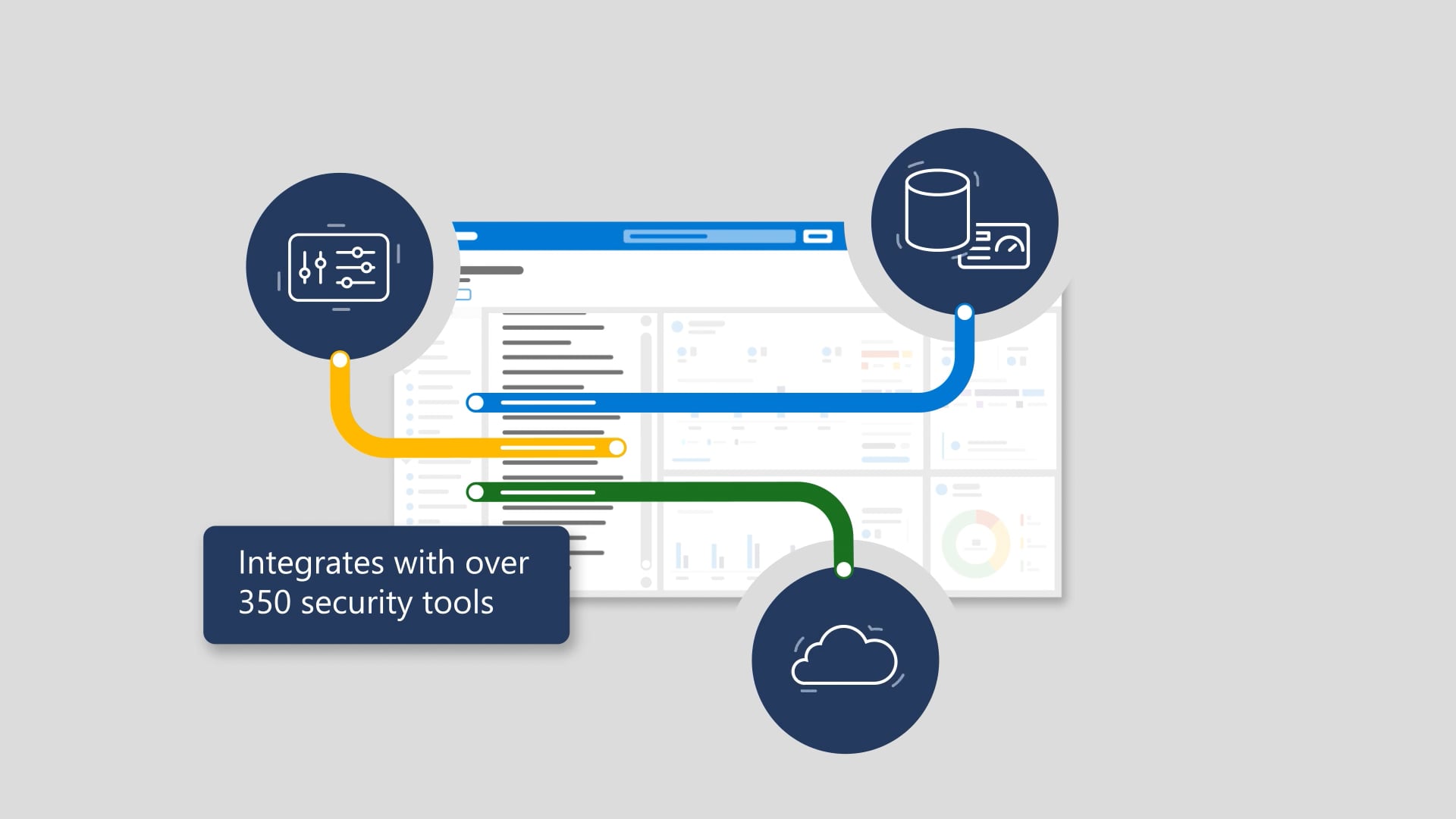
Microsoft Defender for Office 365 doesn’t just detect threats—it’s built to move them through a full incident response workflow without dropping context along the way. This animation walks through how email-based threats are discovered and handled across Microsoft 365 Defender: attacks are identified through signals like user submissions, automated detections, and investigations, then analyzed to determine the scope and impacted users. From there, the workflow shows response actions (blocking senders, removing messages, updating policies, taking remediation steps), plus continuous learning—where intel from incidents feeds back into improved detections and protection. The goal is simple: reduce time to detect and time to respond by keeping everything connected inside a unified experience.
We produced this as a process-led explainer—because the story here isn’t one feature, it’s the flow. We shaped the narrative then designed visuals that keep the viewer oriented as the workflow moves between stages. Professional voiceover, steady music, and clean animation make the steps easy to follow at a glance, while sound design and timing help the key moments land without getting noisy. After streamlined review loops, we delivered the full package—closed captions, audio description, and thumbnails—ready to help audiences understand not just what the product does, but how it behaves when things go sideways.

The inevitable sequels
Hollywood keeps stretching good ideas into progressively worse sequels. We don’t. These are the related videos—spiritual siblings of the one you just watched—as good or better than this video. Expect callbacks, new plot twists, and maybe even a scene-stealing cameo from a lower third.