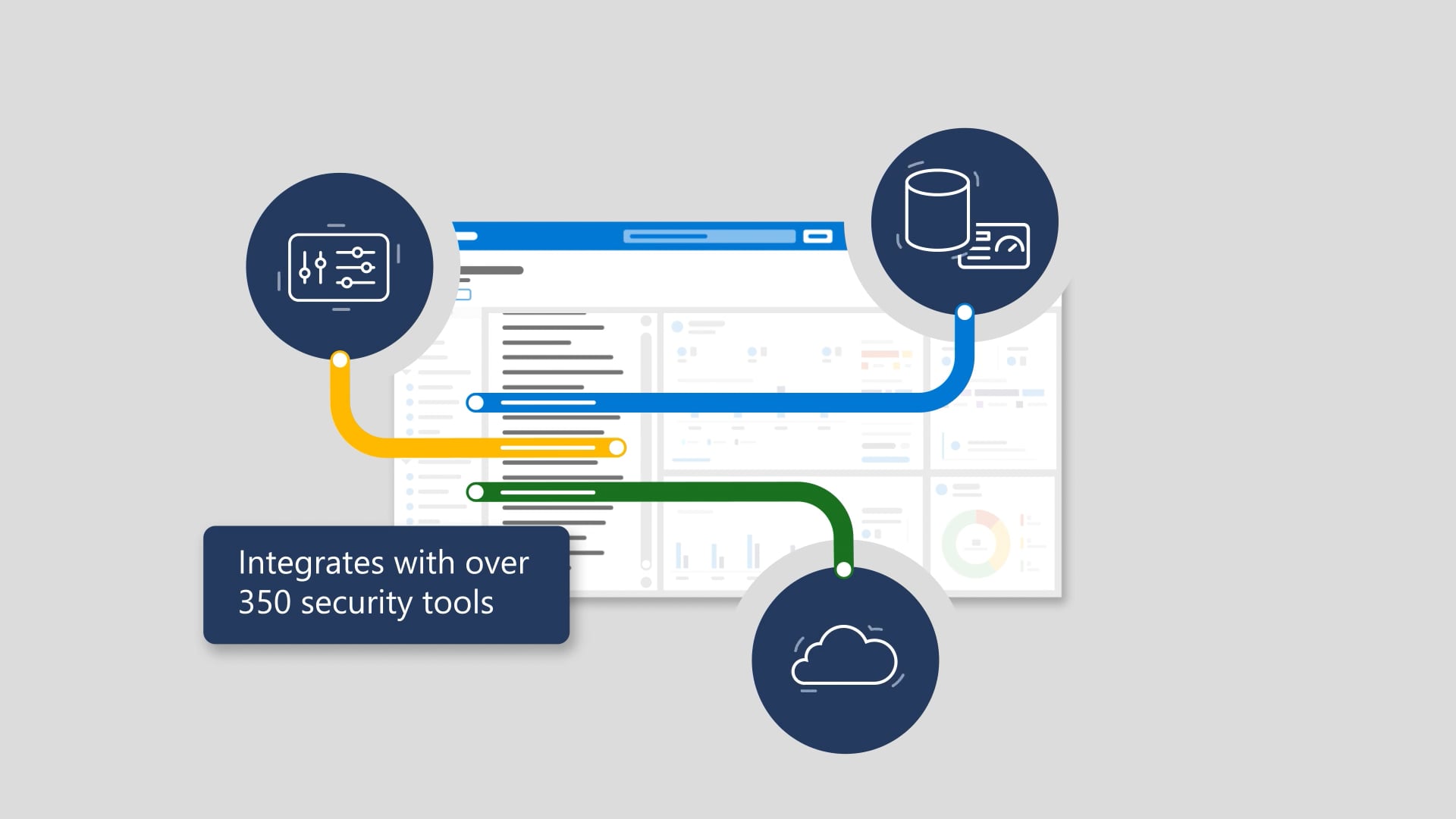
As the threat landscape evolves (and generally refuses to stop evolving), this animation explains how preset security policies in Microsoft Defender for Office 365 help organizations maintain a strong security posture by automatically enabling Microsoft-recommended controls and settings. It contrasts deeply customizable policies—which can drift over time and quietly reduce protection—with presets that apply recommended spam, malware, phishing, Safe Links, and Safe Attachments protections across the entire organization in just a few clicks. It also emphasizes that presets are regularly updated based on Microsoft’s observations and new capabilities—balancing protection and productivity—so you stay current without constant upkeep. The how-to is straightforward: in the Preset security policies page, choose “Manage protection settings” under Standard or Strict (Standard for most users, Strict for priority users), select “All recipients” to automatically include new users and groups, and you’re covered—ending with the CTA aka.ms/Presets.
We produced this as a clarity-first explainer that makes “security policy maintenance” feel less like an endless chores list and more like a smart shortcut. We structured the story around one core relief: stop babysitting individual settings and stay aligned with recommended protections as they evolve. Then we brought it to life with professional voiceover, supportive music, and clean motion that keeps the concepts readable—finishing with sound polish so every product name and key benefit lands crisp. After streamlined review loops, we delivered the full package: closed captions, audio description, and thumbnails.

The inevitable sequels
Hollywood keeps stretching good ideas into progressively worse sequels. We don’t. These are the related videos—spiritual siblings of the one you just watched—as good or better than this video. Expect callbacks, new plot twists, and maybe even a scene-stealing cameo from a lower third.