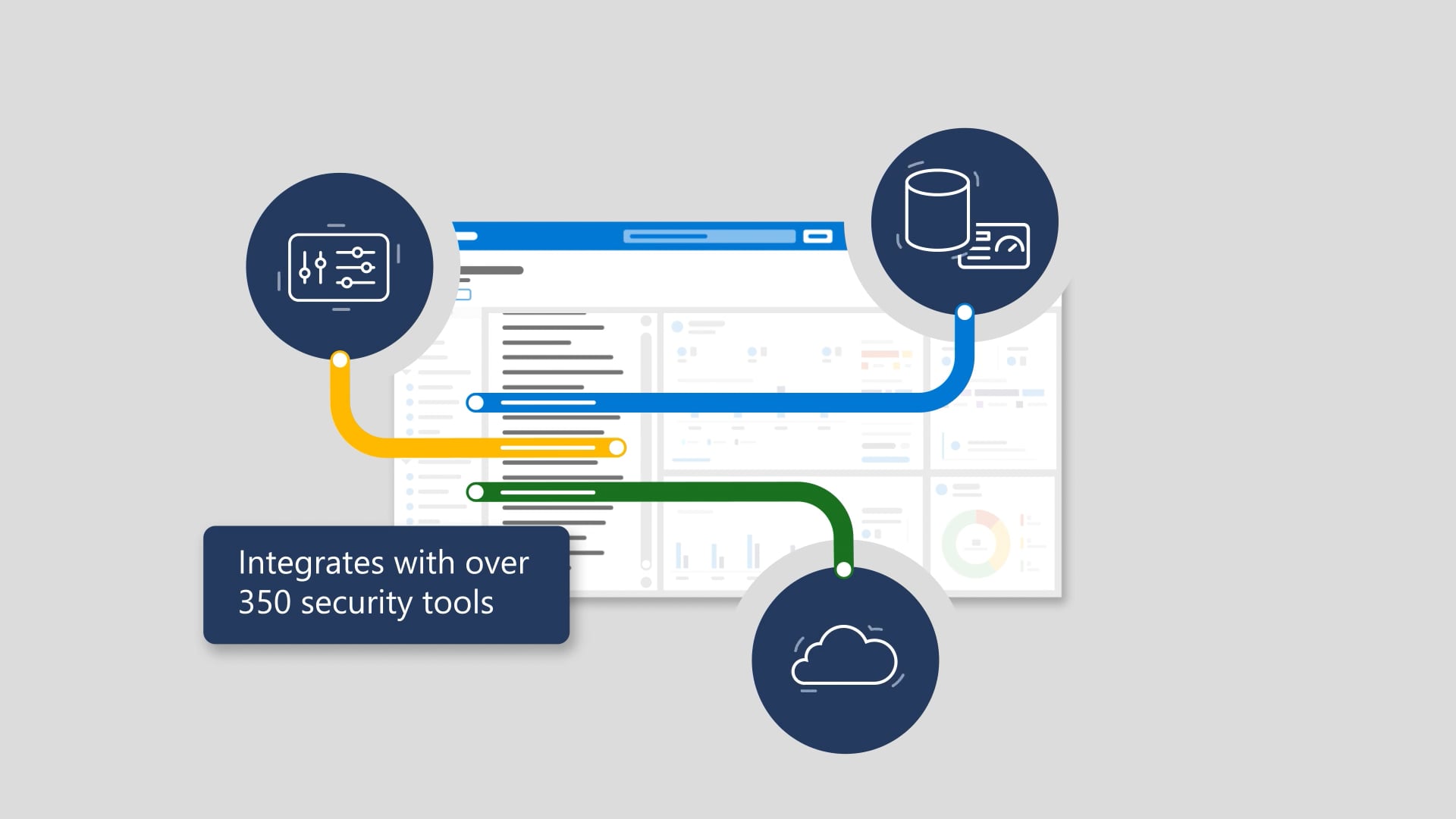
People expect the same desktop and apps experience every time they go to work—even if “work” happens at home on a laptop, at the airport on a phone or tablet, or at school on a shared computer. This animation introduces Windows Virtual Desktop as the way to get a consistent, secure Windows experience anywhere, on the devices you already know and love. It walks through the simple start: install the Microsoft Remote Desktop app, subscribe to a workspace, and sign in. From there, you get access to the same familiar Windows 10 experience, running in the Microsoft cloud—available anywhere on any device with an internet connection—while keeping data safe without compromising privacy or security, and wrapping with a CTA to check the friendly user guide.
We produced this as a streamlined, clarity-first animation that makes a technical concept feel effortless. We shaped the script and visuals around the viewer’s real-world scenarios, planned timing early so each step lands cleanly, then brought it to life with professional voiceover, upbeat music, and animation that keeps the message moving without clutter. The finishing touches—sound polish, pacing, and review refinements—ensure it feels confident and complete, then we delivered the full package with closed captions, audio description, and thumbnails so it’s ready to perform anywhere.

The inevitable sequels
Hollywood keeps stretching good ideas into progressively worse sequels. We don’t. These are the related videos—spiritual siblings of the one you just watched—as good or better than this video. Expect callbacks, new plot twists, and maybe even a scene-stealing cameo from a lower third.